Welcome Capital Coast
How to use Ko Awatea LEARN
Ko Awatea LEARN does all the same things that Connect Me did. Somethings are named differently or located in a different place. Here are a few hints for finding your way around.
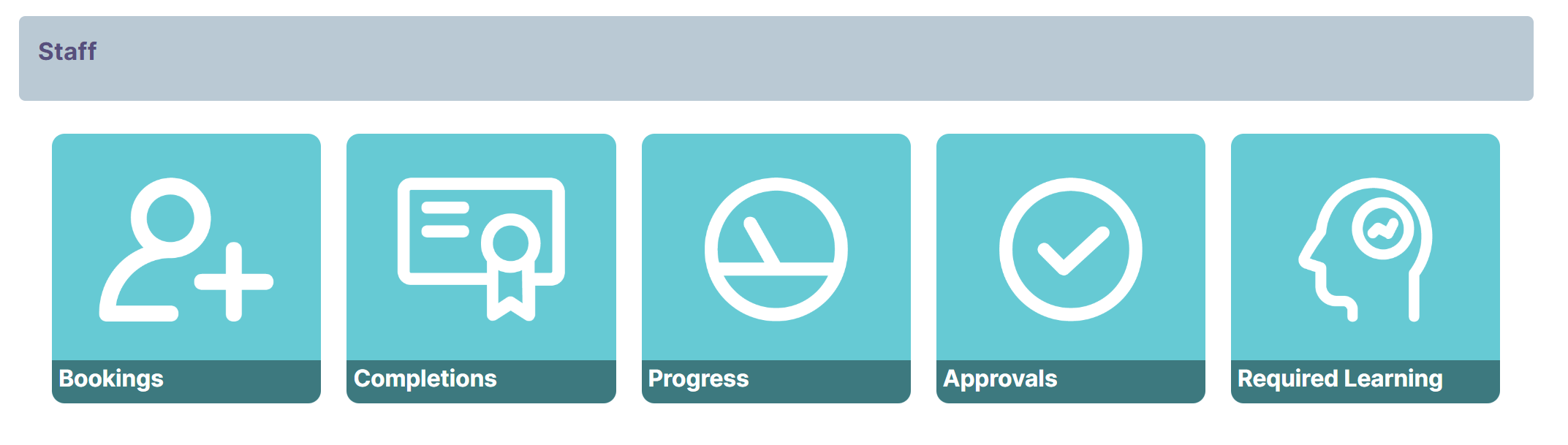
In connect me there was a row of buttons. Read below to see how to do the same things in Ko Awatea LEARN.
Where do I see my seminar bookings?
In the set of links across the top of the page, click on My Learning then on My Bookings. This will take you to a report showing all your future bookings. From the same place you can also see all your past bookings.
How do I see the courses I have completed?
This is your record of learning. Again under the My Learning tab you can select Record of Learning or the Verified Record.
The Verified Record is perfect for providing to maintain your annual practicing certificate.
Where do I see my Progress with courses?
Scroll down on the homepage in Ko Awatea LEARN and you will see a block called Learning in Progress.
Can I see if my booking requests have been approved?
The My Bookings page also shows the status of any future booking. You can see if a booking is Awating Approval.
How do I know what courses are required
Currently the best approach is to discuss this with your manager or educator.